

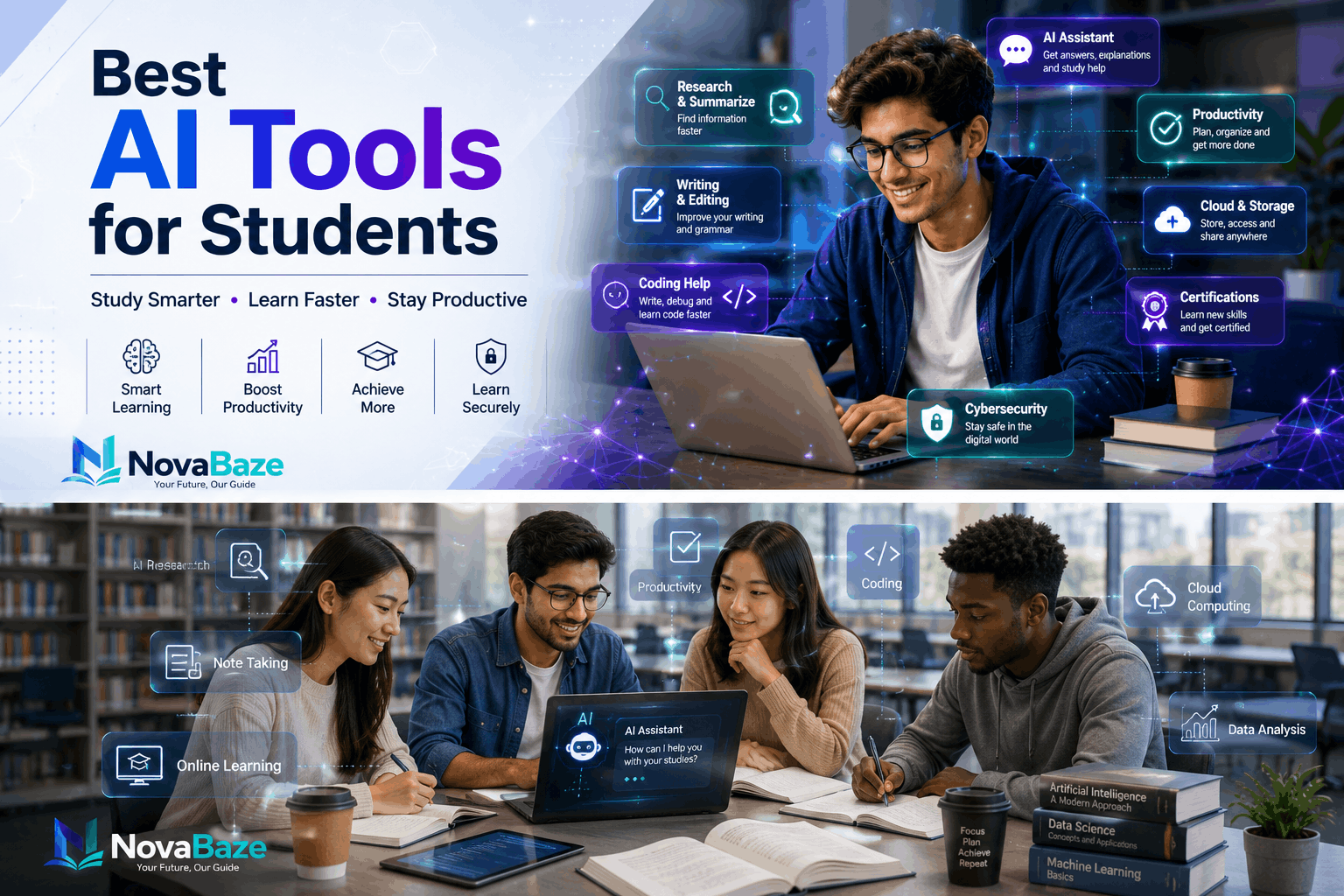
AI will change the landscape of student learning, research, writing, and organization. AI tools will save students time by providing a way to optimize their study time while completing tasks that might use less time, such as studying notes and completing complex problems. The trick is figuring out which tools are genuinely effective. There are now hundreds of AI platforms to choose from — each of them can be intimidating. In this guide, you’ll discover some of the best student AI tools — what do they do, and how doing them gets you along in learning.
Why It’s Time We Should Use AI Responsibly as Students
Artificial Intelligence is made to help — and not replace — learning. AI, properly applied, has the power to help you:
- Understand difficult concepts.
- Organize study materials.
- Improve writing skills.
- Save time on repetitive tasks.
- Prepare well for exams.
- Think creatively about projects, assignments and presentations.
But students should not use AI to offer students AI-penned work as they hand in as copies of the work, or write nothing about what they actually learn themselves. And look over, verify and reconfigure any artificial intelligence-generated content at all times.
1. ChatGPT
Best for:
- Explaining difficult topics.
- Brainstorming ideas.
- Writing practice.
- Coding assistance.
- Study planning.
ChatGPT might dismantle complex material, create practice questions, summarize and make it clear, or help students make sense of topics they may be struggling with in a broad range of curricular fields.
2. Google Gemini
Best for:
- Research assistance.
- Google Workspace integration.
- Content summarization.
- Productivity.
Gemini works particularly well among students who typically use Google Docs, Gmail and Google Drive.
3. Grammarly
Best for:
- Grammar correction.
- Academic writing.
- Email writing.
- Essay improvement.
Grammarly helps students write clearly when students start looking for grammatical, punctuation, and spelling errors and proposes better sentence structures.
4. Microsoft Copilot
Best for:
- Word documents.
- PowerPoint presentations.
- Excel tasks.
- Research support.
In Microsoft Office, AI can support students’ help in navigating their documents within.
5. Canva Magic Studio
Best for:
- Presentations.
- Posters.
- Infographics.
- Class projects.
With the help of Canva’s AI features, all it takes for an audience member to add professionally-looking visuals immediately is the quick use of the tool, devoid of advanced knowledge regarding visual art and design skills.
6. Notion AI
Best for:
- Note-taking.
- Study organization.
- Project planning.
- Summaries.
Notion AI helps students organize notes in the classroom, make to-do lists and schedule group activities.
7. Perplexity AI
Best for:
- Research.
- Fact-based answers.
- Source discovery.
Perplexity, in contrast to most AI chatbots, provides references with properties that are easy to verify.
8. GitHub Copilot
Best for:
- Programming students.
- Learning coding.
- Debugging code.
For computer science students, learn coding using GitHub Copilot to assist them in making coding visual and quick.
9. Otter.ai
Best for:
- Lecture transcription.
- Meeting notes.
- Study reviews.
Otter.ai translates spoken lectures into texts for search. It makes revision a lot easier.
10. QuillBot
Best for:
- Paraphrasing.
- Grammar improvement.
- Writing refinement.
And students also have the options to reword a sentence more clearly while keeping its meaning.
11. Canva AI Image Tools
Best for:
- Educational graphics.
- Social media projects.
- Reports.
Students can quickly create their own visuals for presentations and assignments.
12. Wolfram Alpha
Best for:
- Mathematics.
- Engineering.
- Science.
It helps to find solutions with equations, while being simple to follow and teaching in steps which help the students understand.
13. DeepL Translator
Best for:
- Language learning.
- Translation.
- International students.
DeepL creates natural language translations across a multitude of languages, helpful for language learners.
14. ElevenLabs
Best for:
- Text-to-speech.
- Audio learning.
- Accessibility.
Students can convert written notes to natural-sounding audio to work through during commuting or during physical activity.
15. Gamma AI
Best for:
- Presentations.
- Study reports.
- Project slides.
Gamma helps students develop presentation design tools in brief time-frames using AI-based layouts.
Choosing the Right AI Tool
Just ask yourself before you go with any AI system:
- Does it solve a real problem?
- Will it improve my learning?
- Is a free version available?
- Does it protect my privacy?
- Can I verify the information it provides?
Choosing tools according to your requirements will be more effective than trying every new AI platform.
A Success Way to Use AI
What AI can offer; we can use AI to get the most:
- Find sources that will help verify any relevant information.
- Think of AI as a learning assistant, not a substitute for studying.
- Read through and revise the AI generated work before submitting assignments.
- Combine the AI tools with our analysis and critical thinking.
- Continue to absorb the basic concept.
Students who responsibly use AI are usually self-assisting at the same time.
Final Thoughts
AI is now an integral partner in modern research. As long as you are writing essays, preparing slides, or reorganizing notes or teaching software skills, you need the key AI tools to make life easier during both day to day working as well as studying. So all that comes down to, so the point, really, is why you have found reliable platforms and how you use them. Then with good study habits AI really, really can help you in your journey to education.

