
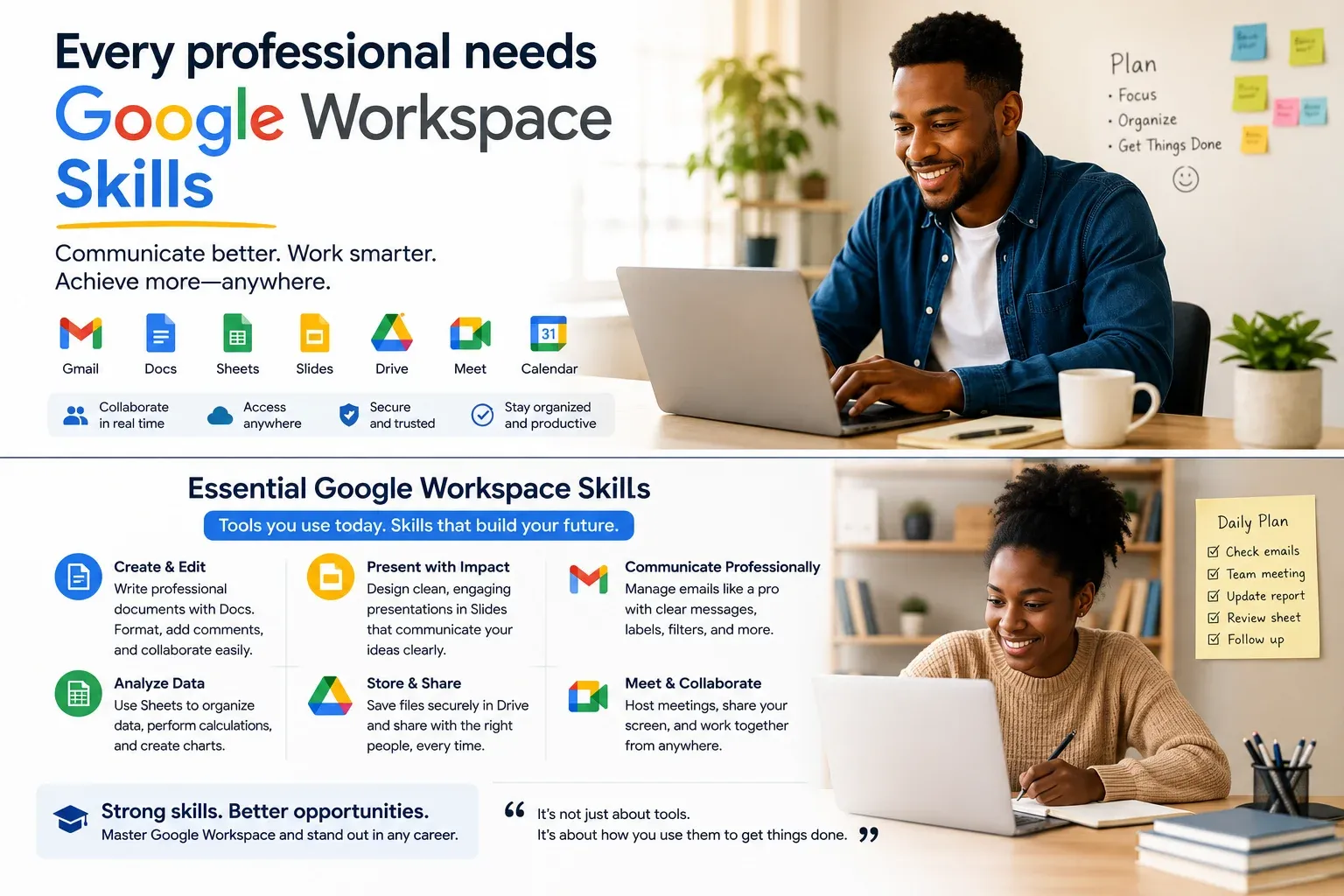
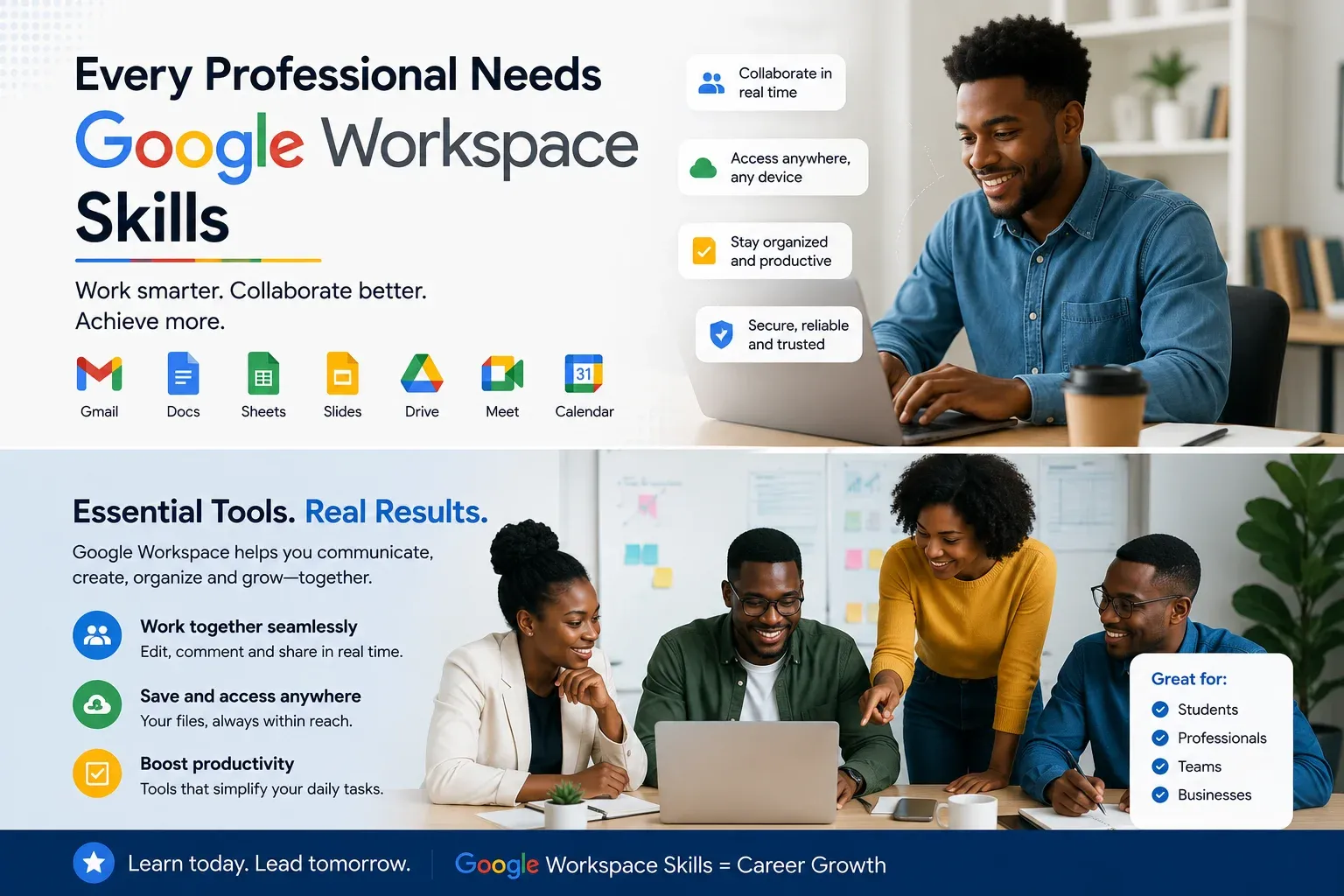
The vast majority (and especially in this instance) think that they feel pretty well-acquainted with Google Workspace, assuming they’re aware of it in terms of Google Docs or Gmail. Not in fact. When it comes to applying for first job, working remotely, freelancing or running your own business, Google Workspace has grown to be one of the most widely used work productivity platforms. Every day companies depend on it, communicating, collaborating, managing projects, and sharing information. The good news is that these tools don’t require an IT professional to successfully operate. Fulfilling some important Google Workspace skills can help you work faster, stay organized, and make a better impression in every professional environment. How to master a few easy to use skills, organize them to get more organization at home and at any workplace and to leave a better feeling in every professional environment.
What Is Google Workspace?
Google Workspace is a collection of Google’s cloud computing productivity tools created by Google. These tools are not installed in your computer, but on your web browser or mobile device using the computer as a window. Some major apps are:
- Gmail
- Google Docs
- Google Sheets
- Google Slides
- Google Drive
- Google Meet
- Google Calendar
- Google Forms
Collectively, these tools enable people, groups, and teams to operate more efficiently from anywhere.
Why Google Workspace Skills Matter to Employers
Collaboration is everything in today’s workplaces. Rather than emails sending documents back and forth, teams are sometimes dealing in the same file at the same time. Meetings take place online. Schedules are shared digitally. Documents are maintained in the cloud in a secure way. Candidates who understand in the first instance what these tools work are well-liked in the job market; they need less training and work faster.
NovaBaze Insight 💡
Technical skills are not about learning complicated software all the time. The best benefit often lies in mastering the everyday tools that the workplace implements that just about every place to work uses.
Write Professional Documents in Google Docs
Google Docs is way more than just an online word processor. What a lot of professionals do:
- Reports
- Meeting notes
- Project proposals
- Resumes
- Training materials
Important skills include:
- Formatting documents neatly
- Using headings and styles
- Adding comments
- Suggesting edits
- Working with others in real time
Such little skills greatly facilitate teamwork.
Organizing Files in Google Drive
Muddled Drive becomes maddening very fast. Improving your folder organization saves time and makes it easier for other documents to be located. Good habits include:
- Making sure it is organized in neatly titled folders
- Giving files meaningful names
- When you send documents, share with appropriate permissions
- Backing up important files
Staying organized is something employers look for in a professional.
Managing Emails with Gmail
Sending emails is easy. Another skill is managing them efficiently. Useful Gmail habits include:
- Writing clear subject lines
- Using professional language
- Organizing emails with labels
- Searching messages effectively
- Scheduling emails when necessary
Good email communication makes for a good impression.
Scheduling Your Work With Google Calendar
Great professionals are unlikely to depend on their memory alone. Google Calendar helps you:
- Schedule meetings
- Track deadlines
- Set reminders
- Plan your week
- Avoid double-booking appointments
Students use digital calendars to manage assignments and exams too.
Google Slides is great for creating presentations
Presentation skills are still significant in workplaces. With Google Slides, it is a snap to create presentations for:
- Team meetings
- School projects
- Business proposals
- Client presentations
Concentrate on making simple, visually clear, and easy-to-follow slides. Remember:
Your audience should be listening to you; don’t read paragraphs from the screen.
Data in Google Sheets
Spreadsheets are terrifying to people and are something so many avoid. Luckily, you won’t be needing to learn advanced formulas right away. Begin with basic skills such as:
- Entering data
- Sorting information
- Creating simple tables
- Using basic formulas
- Building charts
Spreadsheet skills are an asset in nearly every industry.
How to Run Online Meetings With Google Meet
Remote work has made video meetings an everyday experience for career professionals. Knowing how to:
- Join meetings
- Share your screen
- Present documents
- Use chat features
- Adjust audio and video settings
That proves you are capable of working in the modern digital world.
Getting Information with Google Forms
Information can be collected through Google Forms. People use it for:
- Surveys
- Event registrations
- Customer feedback
- Quizzes
- Job applications
Learning to create simple forms can be surprisingly helpful in school and work.
Common Mistakes Beginners Make
People use Google Workspace daily without yet knowing its most useful features. The most common mistakes:
- Saving everything in one place or folder
- Ignoring collaboration tools
- Using unclear file names
- Sending poorly written emails
- Never organizing calendars
Improvements in these areas can add a huge boost to productivity.
How to Build These Skills
You don’t have to take fancy courses. And what works best for learning is to engage with the tools regularly. Try creating:
- A weekly planner in Google Calendar
- A personal budget in Google Sheets
- A presentation in Google Slides
- A study timetable in Google Docs
- A survey using Google Forms
The more that you do it, the more confident you will be.
What Most People Get Wrong
Most people have the misconception that digital skills only mean coding or graphic design. Many employers really believe that being able to communicate effectively, organize information, collaborate with others, and manage work well is what’s required of candidates. Google Workspace is great for helping you learn all of these handy workplace skills.
A Google Workspace Skills Checklist for working on a technical application for a job
Before applying for your next internship or job, have this thought exercise be a question for yourself:
- ✔ Can I create a well-formatted document?
- ✔ Do I know how to organize files in Google Drive?
- ✔ Can I write professional emails?
- ✔ Am I comfortable with Google Calendar?
- ✔ Can I create a simple presentation?
- ✔ Do I understand basic spreadsheet functions?
- ✔ Can I collaborate with others using shared documents?
If, in fact, you answered most of these questions “yes,” you are acquiring skills that employers employ every day.
Final Thoughts
How technology is changing how people work. And those professionals who adjust are often those who know how to use everyday digital tools well. Google Workspace is not simply a battery of apps. It’s a useful toolkit which enables you to communicate more effectively and have a more organized way of working with others. Students getting ready to enter your first internship or professionals just wanting to build your productivity will find it worth the time and effort you are committing. One small little change today can affect your career in a big way.

