

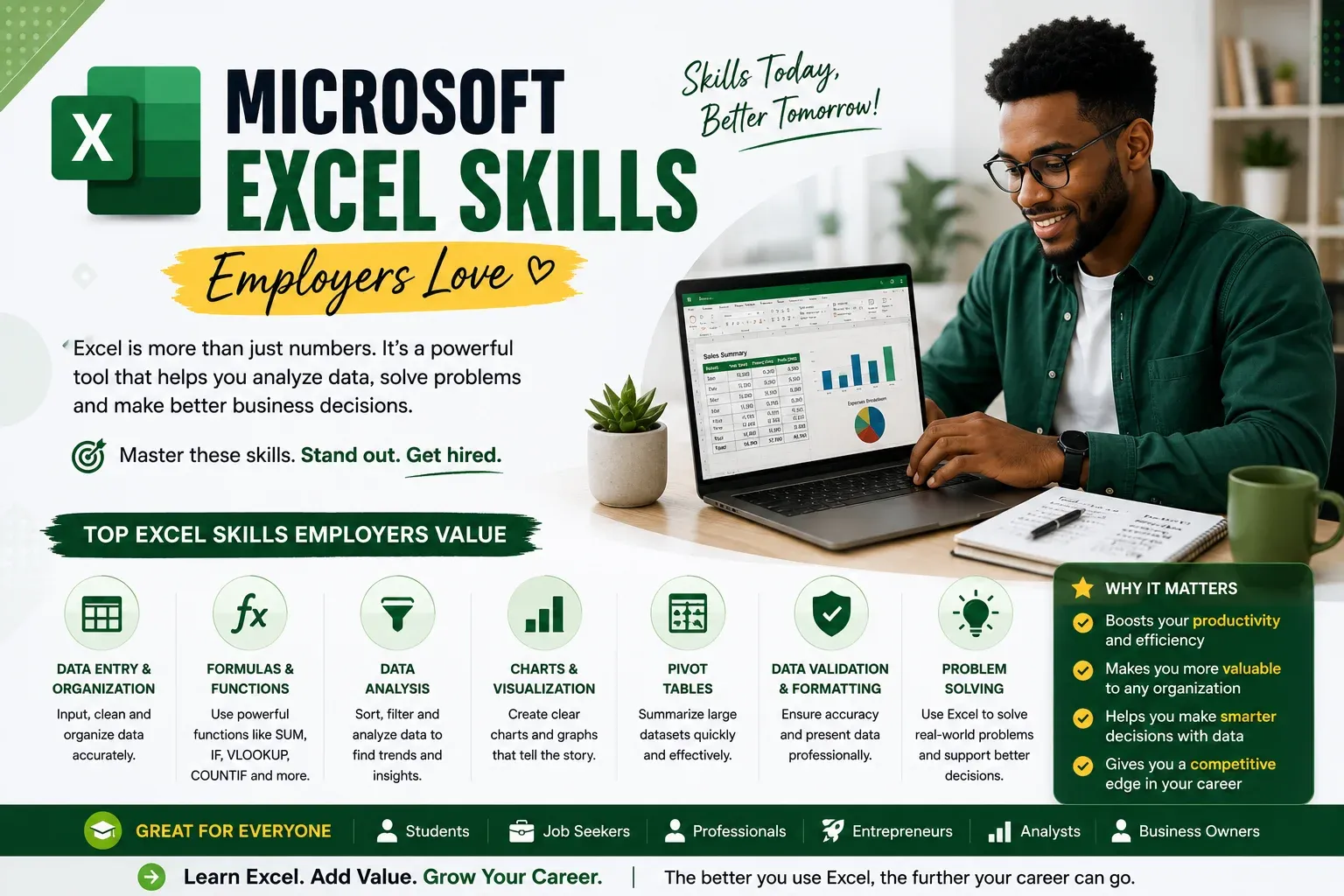
When most people hear “Microsoft Excel,” they imagine endless lists of numbers and complex formulas. The truth is not the same. Excel is among the most valuable skills you can have at your workplace that cannot only be attained by an accountant or data analyst. Enterprises employ Excel on an everyday basis in order to house their information, budget and manage, monitor systems, track projects, perform sales analysis, generate reports, and make better choices. In some job interviews, just telling people that you are confident using Microsoft Excel can make your application even better. The good news? You don’t need to know every feature to impress employers. A few practical Excel skills can go a long way.
How Excel skills matter most to employers
Why Excel Matters Still. So many tools for better and newer businesses that makes it hard to say if Excel is getting old fashioned. It is not. In fact, Excel is still used in most industries for businesses to operate and one of its most widespread business applications in fact includes:
- Finance
- Healthcare
- Education
- Marketing
- Human Resources
- Logistics
- Retail
- Government
Not even those companies that have sophisticated software that does not use Excel are prepared for reporting, planning, and organizing systems of information in Excel. Excel learning isn’t just about spreadsheets. It’s about productivity.
NovaBaze Insight 💡
More and more employers aren’t anticipating beginners to be proficient in advanced Excel. What they want is someone who can accurately organize information, work efficiently and learn new skills, if required.
Organizing Information Wisely
First, learn how to organize information before formulas. A well designed spreadsheet is easier for you to understand and be less likely to make a mistake. Good habits include:
- Using clear column headings
- Storing related information in association
- It may be a bit annoying, but you’ll have to stop filling the blank rows unnecessarily
- Naming worksheets properly
Time for everyone is saved with a clean spreadsheet.
Basic Formulas
Formulas are what make Excel strong. Some of the first formulas every beginner should know are:
- SUM
- AVERAGE
- MIN
- MAX
- COUNT
These simple functions enable auto calculation of information automatically instead of having to do all the calculation manually. Learning them builds confidence for more advanced tasks later.
Sorting and Filtering Data
Now consider a spreadsheet that contains thousands of customer details. You’d have to find one person’s records manually for a long time. Sorting and filtering enable you to do:
- Find information quickly: get your hands on it, quickly
- Organize lists alphabetically
- Show only the data you need
- Work more efficiently
That’s one of the most commonly used Excel skills in offices.
Creating Simple Charts
Numbers tell a story. Charts help people to understand that story, a lot more quickly. Excel allows you to create:
- Bar charts
- Pie charts
- Line graphs
- Column charts
Data visualisation makes report form easier to interpret in meetings and presentations.
Formatting the Spreadsheets professionally
A spreadsheet needs to be readable. Some simple formatting tricks include:
- Bold headings
- Cell borders
- Consistent fonts
- Appropriate colors
- Number formatting
Professionalism enhances readability without causing cluttered looks.
Using Tables
Your data is organized automatically in Excel Tables. They also make:
- Sorting
- Filtering
- Formatting
- Expanding data
much easier. Even though it is one of Excel’s most useful tools, many new comers neglect this feature.
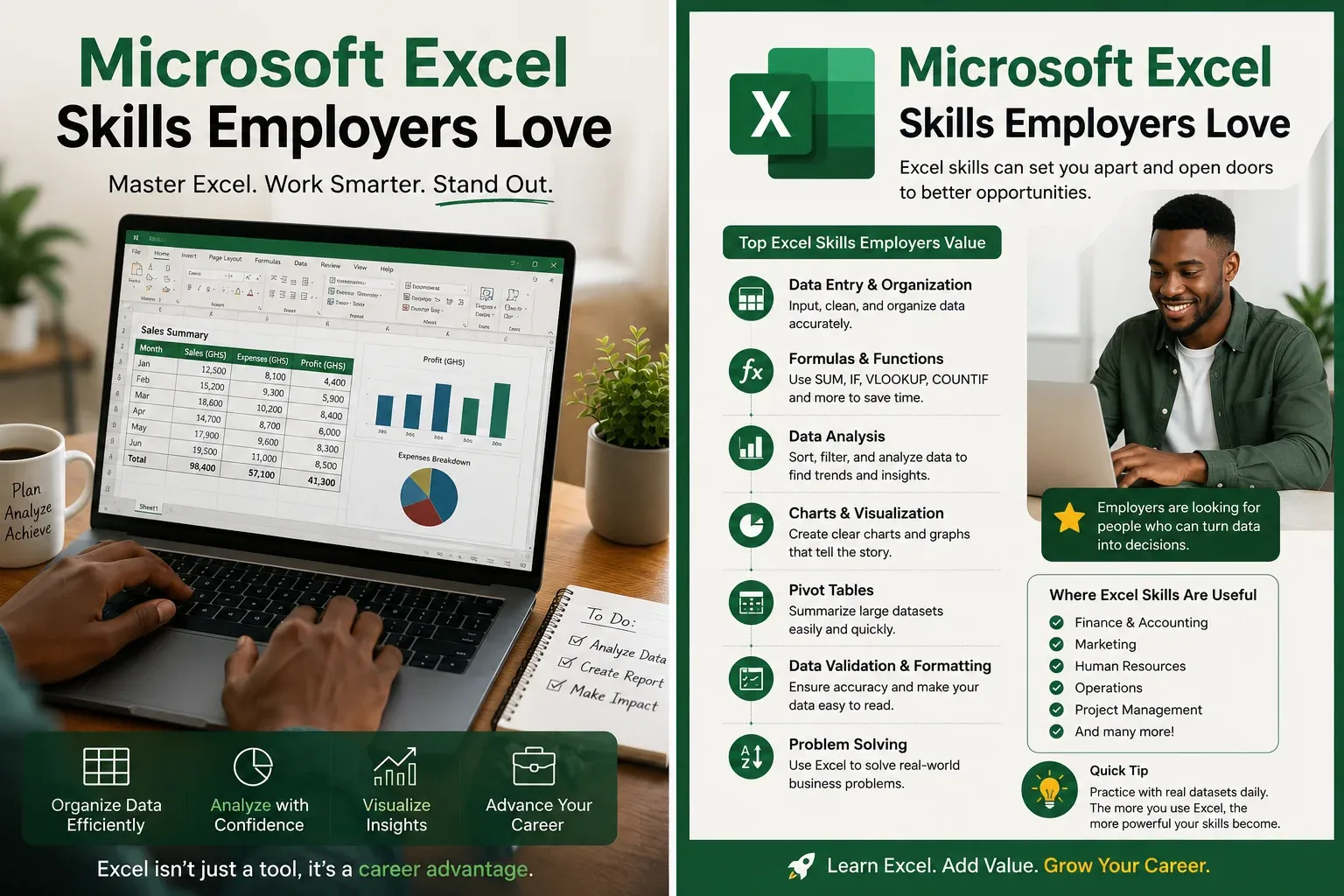
What Are Basic Functions Like IF?
Using IF allows Excel to make easy decisions. For example:
- Pass or Fail
- Paid or Unpaid
- Approved or Rejected
That sounds pretty sophisticated but understanding fundamental IF statements leads to smarter spreadsheets.
Protecting Important Data
Accidental change of data is a cause of problems. Excel allows you to:
- Protect worksheets
- Lock specific cells
- Restrict editing
These capabilities are convenient when several individuals are using the same file.
Printing Professional Reports
For most novices, their attention is only on what you see on screen. Employers are expecting reports to print properly too. Learn how to:
- Adjust page layout
- Set print areas
- Add headers and footers
- Preview files before printing
Details such as this prove they are professional.
Learning Shortcuts by Keyboard
Keyboard shortcuts can save time on every day. Useful examples include:
- Copy
- Paste
- Undo
- Save
- Find
- Select entire rows or columns
Shortcuts speed up your work more as you become more comfortable with Excel.
Common Beginner Mistakes
People get frustrated because they think they need to get all the functions in Excel immediately. You do not. Common errors include:
- Putting in contradictory data
- Forgetting to save work
- Unnecessarily using complex formulas
- Ignoring formatting
- Not checking for errors
Doing it in stages is much better than cramming every piece for your brain.
The secrets to improving Excel skills
Excel should be used regularly, after all. Try creating:
- A monthly budget
- An expense tracker
- A class attendance sheet
- A study timetable
- A project planner
- A simple sales report
Practicing helps you make sense why each feature would be an asset.
What Most Job Seekers Get Wrong
Many candidates scribble “Microsoft Excel” into a CV without even being taught how to use it. An employer typically observes this when you’re interviewing or trying out a practical skill. It is better to possess competent elementary knowledge than to assert advanced knowledge that you cannot prove. Confidence comes from trial, not from slapping software names on your résumé.
Excel Skills Checklist
Ask yourself:
- ✔ Can I organize data neatly?
- ✔ Do I have knowledge of elementary formulas like SUM and AVERAGE?
- ✔ Is it possible to sort and filter information?
- ✔ Can I make a simple chart here?
- ✔ Am I familiar with basic spreadsheet formatting?
- ✔ Can I create a professional-quality report?
- ✔ How willing or competent am I to take up new features in Excel when they will be useful?
If you answer “yes” to a majority of these questions you’re developing skills that companies actually need to invest in, you said.
Final Thoughts
For decades, Microsoft Excel remained relevant because it addressed real work-related issues. Whether you have to keep an eye on expenses, analyze sales, plan projects or draft reports, Excel is still one of the most useful professional tasks you can do. The good news is that you don’t have to become an expert overnight. Take one skill at a time. Practice regularly. Build small projects. Eventually, you’ll be able to gain confidence that can guide you not only in your studies, but also your career.

