
To learn to code is an awesome victory. After weeks or even months of practice, you know variables and loops and functions, and maybe a couple of small projects of your own. Then a new question comes: How can I show employers what I can do?
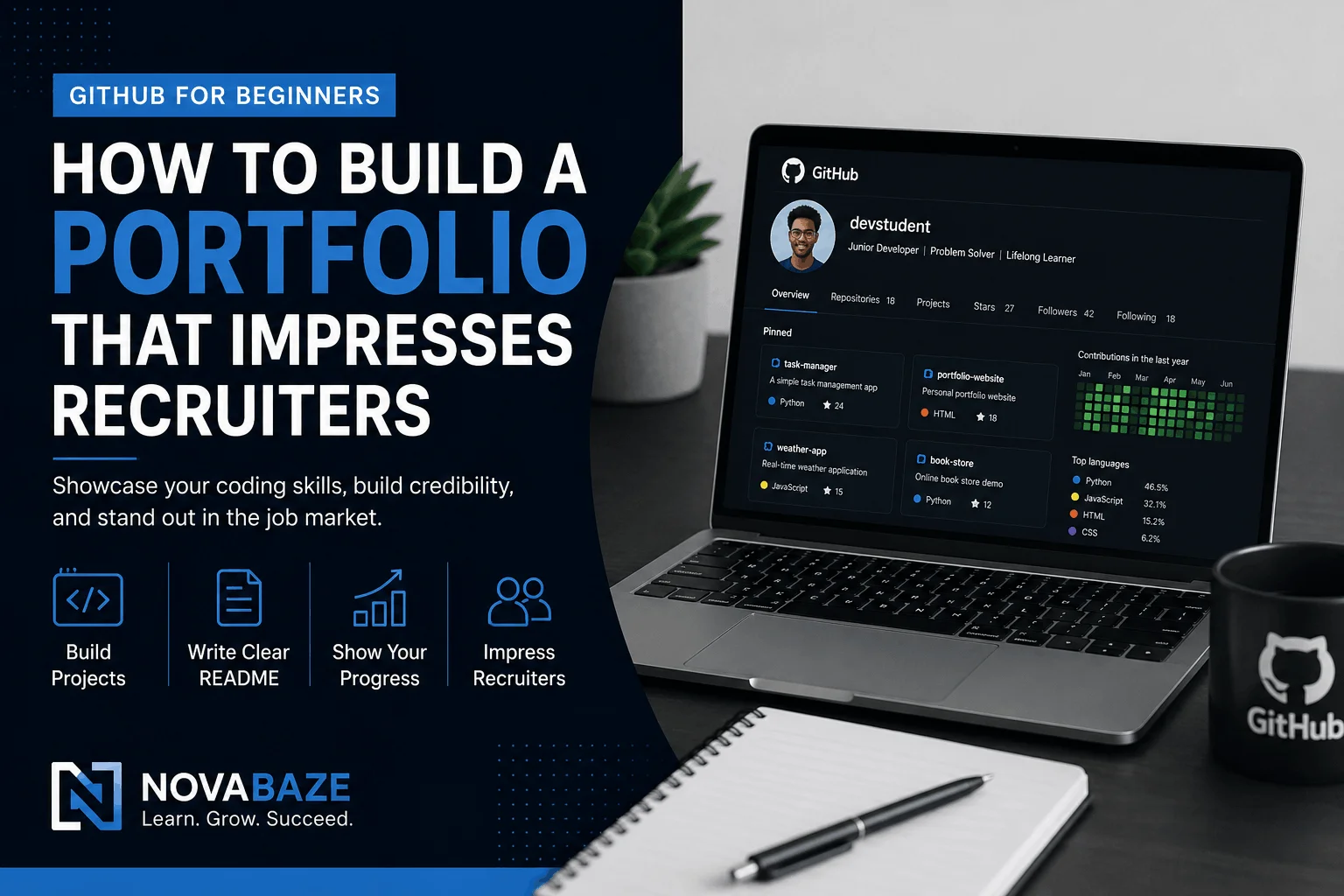
Most entry level employees feel they need years of work experience to get an internship or entry-level job. In truth, most recruiters care about seeing how you solve problems, not just reading a list of programming languages on your resume. Which brings me to GitHub. GitHub is your online coding portfolio. Unlike telling employers you know how to code, it lets you demonstrate to them. If you’re just starting out, here’s how to build a successful GitHub profile which is going to make a nice first impression.
What Is GitHub?
GitHub is an application that allows you to provide and share your code and information and the world knows that! In essence, you can save and share your code as provided by their tools. GitHub is centered around a tool called Git, which helps programmers keep track of changes made to their projects and use it to collaborate with other programmers.
The upside is, you don’t need to code Git on command to set up a productive GitHub profile. As a novice, don’t expect to get a Git master overnight. This project you want to display it through true projects, for your learning journey.
How Do Recruiters See GitHub’s Significance?
Just picture two students applying for the same junior role. Both list Python and JavaScript on their CV. One candidate has a profile on GitHub with just a few well-organized projects. The other has no examples of their work. Who would you have more confidence interviewing?
That’s why GitHub matters. It supports recruiters navigating questions like:
- Can this individual code cleanly?
- Do they complete projects?
- Are they actively learning?
- Can they solve practical problems?
A solid GitHub profile won’t guarantee you a job, but it can showcase your interest, level of consistency and useful skills.
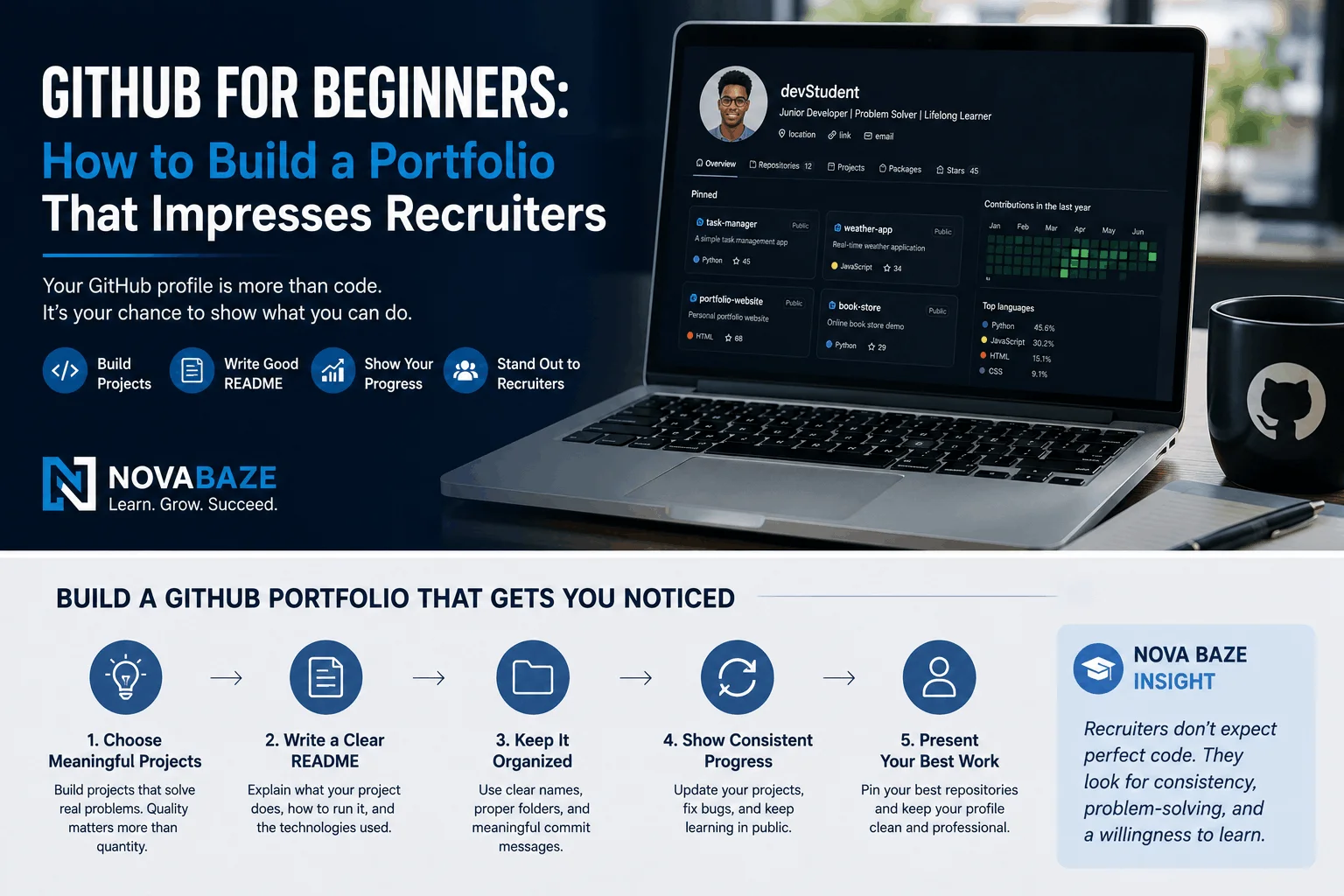
NovaBaze Insight 💡 Recruiters can’t ask beginners to create the next Facebook. They want novices like minded, predictable and curious, trustworthy, curious, curious to learn and open to learning, and to the lessons which will make sure they’ll always be there when’s a lesson ready. Small, finished projects tend to leave a better impact than ambitious ones that never concluded.
Start With Small Projects
A common mistake of beginners is to procrastinate until they build something “impressive” before posting it. Don’t wait. Your GitHub growth should step with you. Some beginner projects are great to begin with:
- A calculator.
- A to-do list.
- A number guessing game.
- A password generator.
- A weather app.
- A simple quiz application.
- A personal portfolio website.
Each completed project tells a story of what you learned.
Write a Good README File
You open the project of someone and only find a folder of code. Now picture opening another project with a straightforward opening logic:
- What the project does.
- Why it was built.
- Technologies used.
- How to run it.
- Future improvements.
Which one sounds more professional? Which way do you believe feels more professional? That’s precisely why the README.md file matters. It serves to form a bridge between your project’s introduction and explains your code to visitors even in no-code mode. Even a few lines of a README can make your repository look incredibly organized.
Keep Your Projects Organized
Hundreds of different repositories don’t have to be included in your GitHub profile. You can build it yourself and get yourself a huge amount of things on there. Many good projects are better than dozens of unfinished ones. Give each project:
- A clear name.
- A helpful description.
- Clean folder organization.
- Meaningful commit messages.
- A useful README.
Simple organization goes a long way.
Do Not Copy Projects Without Learning
When you are learning, it is perfectly normal to follow tutorials. The problem occurs when every project on your GitHub is identical to someone else’s. But we might as well avoid uploading tutorial projects as they are and do something small to improve them. For example:
- Add a new feature.
- Change the design.
- Improve the user interface.
- Add validation.
- Include your own ideas.
But those little adjustments give evidence of independent thinking.
Keep Learning in Public
Many novices are worried by this, because their early code is not perfect. That’s okay. Recruiters don’t expect your first projects to run perfectly well. They like seeing things happen. By constantly updating projects, fixing bugs, and adding new features over time you show to workers that your learning is ongoing.
What Recruiters Actually Notice
Some beginners think recruiters read every line of code. Most don’t. Instead, they more often notice things like:
- Is the profile active?
- Are projects completed?
- Is the code organized?
- Is there a README?
- Does the developer solve real problems?
- Do we see consistent learning?
All the little details can make a great first impression.
Common GitHub Mistakes Beginners Make
Avoid these common mistakes:
- Posting empty or unfinished repositories.
- Allowing projects to have vague titles, for example, “Project1” or “Test”.
- Leaving out README files.
- Copying tutorial projects like one would without modifying them.
- Not following up on the updates when the publication closes.
- Instead of meaningful projects filling GitHub with dozens of minuscule practice files.
Quality almost always outweighs quantity.
What Most Beginners Get Wrong
People think GitHub is only for highly expert developers. It isn’t. On the contrary, GitHub is one of the best platforms to document your learning journey. Employers know that novices are not yet experts at the job. They’re not asking for perfection. They want your curiosity, the consistency of what you are doing, the evidence that you are actively cultivating yourself.
Beginner GitHub Checklist
Before getting your GitHub profile to the employers, don’t forget to ask yourself:
- ✔ Do I have at least four to six completed projects?
- ✔ Does each and every project have a README?
- ✔ Are names of repositories clear and professional?
- ✔ Do I enhance at least one tutorial project with my ideas?
- ✔ Is my profile current?
If you answered “yes” to many of those questions, you’re already creating a portfolio that conveys your skills effectively.
Final Thoughts
You don’t have to have perfect GitHub profiles. It needs to be genuine. Every single project you do, every single bug you repair, every single enhancement you achieve is part of your educational narrative.
Recruiters do not expect beginners to know everything, and this is why. They want to see people who enjoy learning, who finish what they start, and who keep improving.
Start with one project. Then another. You’ll have a portfolio that speaks for itself soon.

